



RetroZino App
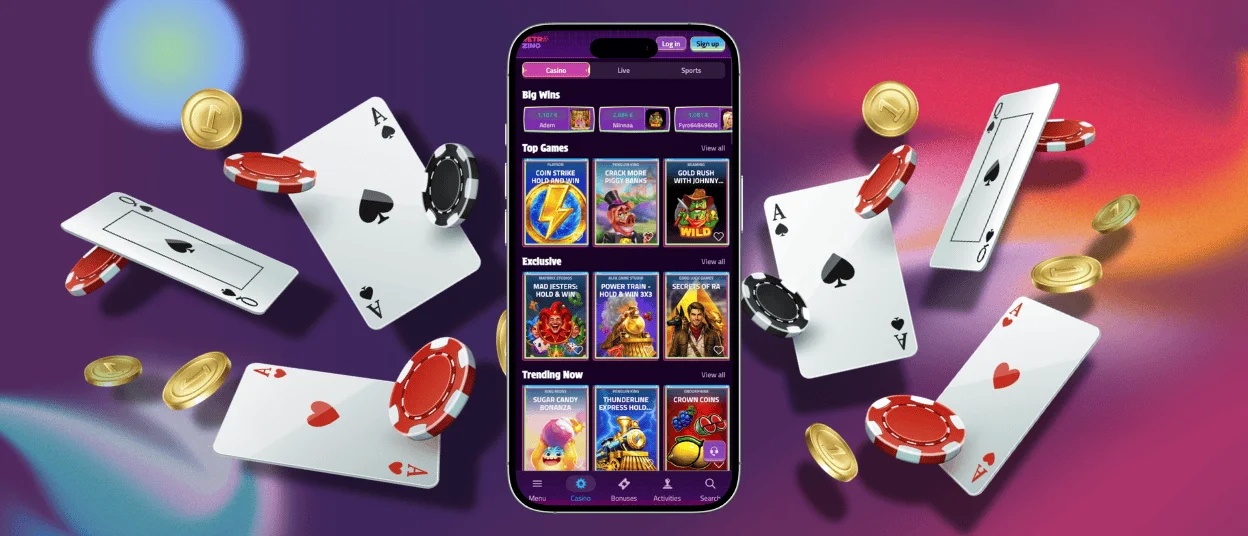
Our RetroZino App puts the full casino library, wallet, and account tools directly on a phone or tablet screen, letting players open a session in seconds through any modern mobile browser. Because it runs as a Progressive Web App rather than a downloadable file, there is no store listing to search for and no separate installation package to manage. PWA mirrors the same games, balances, and settings used on the RetroZino Casino website, so a session started on a laptop continues seamlessly once opens on a smartphone.



Mobile Gaming with RetroZino
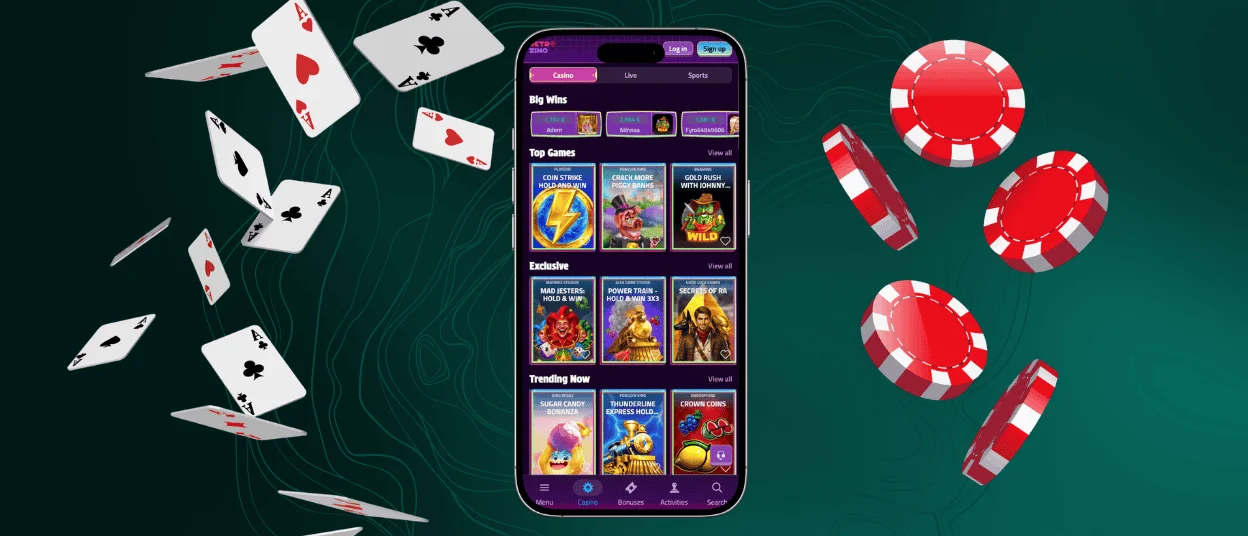
Mobile gaming with RetroZino is built around touch-first navigation. Menus, game tiles, and the wallet button on our platform are sized and spaced for finger taps rather than mouse clicks, and the layout automatically adjusts to fit a smartphone or tablet screen. Slots load quickly on mobile data or Wi-Fi, and the interface keeps core actions such as deposits, withdrawals, and game search within a single thumb-reachable menu.
On-the-go accessibility means players can open a quick round of online slots during a commute, a break, or any short window of free time, since the RetroZino app loads directly in the browser and skips a lengthy startup process. A smaller screen naturally suits fast, single-hand sessions. A larger display gives a clearer view of the dealer, cards, and betting board during live casino play, which makes it a strong match for longer table game sessions. Retro Zino players who want a longer, detailed gaming experience with table games or live dealers often pair a quick mobile session with a desktop session later in the day.
RetroZino on iOS
iPhone and iPad users reach RetroZino Casino through Safari, opening the site the same way as any web page. Adding the RetroZino app to the home screen turns it into a self-contained icon that launches straight into the casino lobby, skipping the browser address bar and creating an experience close to a native app. Face ID and Touch ID work with the RetroZino login screen, letting iOS players confirm their identity with a glance or a fingerprint instead of typing a password each time.
- Open RetroZino in Safari and tap the Share icon.
- Select “Add to Home Screen” from the menu.
- Tap “Add” to place the RetroZino app icon on the home screen.
Once installed, RetroZino on iOS runs with Safari’s WebKit engine, which Apple optimizes for smooth animations, quick page transitions, and efficient battery use during longer gaming experience sessions. Retro Zino Casino updates the moment the page reloads, so iPhone and iPad players always reach the latest version of the app icon on their home screen.
RetroZino for Android
Android users open casinos through Chrome or a similar Android browser, with the same lobby, wallet, and account menu found on our RetroZino Casino desktop site. The browser recognizes it as an installable Progressive Web App and offers to add it to the home screen, placing an icon that opens directly into the casino lobby without loading a browser tab first. Retro Zino runs on a wide range of Android versions, and Chrome’s built-in caching keeps game assets ready for fast loading on repeat visits. Retro Zino performs consistently across different Android device sizes, since the interface scales to match each screen rather than relying on one fixed layout.
Playing on Desktop
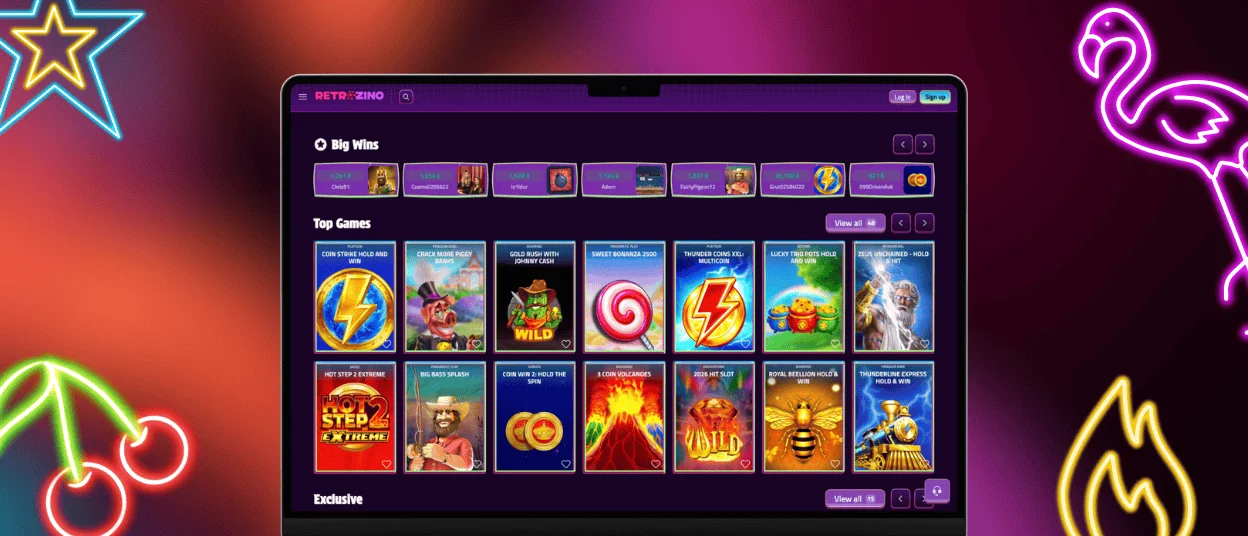
Windows and macOS players reach RetroZino Casino through a standard browser such as Chrome, Firefox, or Safari, with no separate installation step required. The larger screen gives table games and live casino a clearer layout, showing the dealer, betting board, and side bets at once rather than requiring extra scrolling. Multi-tab browsing lets desktop players keep Retro Zino open alongside other windows, switching between a live dealer table and account settings in a click. A stable wired or home Wi-Fi connection also supports longer live casino and tournament sessions on our RetroZino Casino platform, where a consistent connection matters for extended play.
How the RetroZino PWA Works
A Progressive Web App is a website built to behave like an installed app, and RetroZino uses this technology instead of a traditional downloadable casino app. It loads through the browser’s rendering engine, so updates apply automatically after a page refresh and the storage footprint stays small. This approach also provides extra security through the browser environment.
| Security Advantage | How It Protects You |
| Sandboxed browser environment | The app runs inside the browser’s security sandbox, which limits access to other apps, files, and device-level resources. |
| No install-file downloads | Players skip downloading an installation file, removing the entry point that malicious app files commonly use to reach a device. |
| HTTPS encryption | Every connection with our servers uses encrypted HTTPS to protect login details and wallet activity while data is transferred. |
| Automatic updates | New features and security fixes are applied automatically in the background, so every session runs on the latest version. |
FAQ
Can I play live casino games on mobile at RetroZino?
Live casino games run on mobile through the same RetroZino app used for slots and table games. The interface adjusts for a smaller screen, keeping the dealer view, chat, and betting board within reach. Our Support Team remains available through live chat during any live dealer session on RetroZino Casino.
Does Retro Zino sync my session and balance across devices automatically?
The platform syncs the account balance, active session, and game history across devices in real time. A player who starts a session on the desktop site and switches to Retro Zino on a phone finds the same wallet balance and open bonuses waiting on the new device. This synchronization relies on the account login rather than the device, so the verification process completed once on an account carries over to every device used afterward.
How do I install or update the RetroZino App on my device?
Installing starts with opening the site in a mobile browser and using the browser’s own “add to home screen” option, which places the app icon directly on the device. Updates apply automatically each time the page reloads, since RetroZino operates through the browser rather than a store-distributed package. This keeps every Retro Zino icon connected to the latest version of the mobile casino experience.


